

Last week I got my hands on a DJI NEO 2 — a compact, lightweight drone that’s perfect for capturing aerial footage on the go. I was excited to start filming, and the first flights were amazing.
But then I hit a wall.
The Problem
DJI drones record telemetry data alongside your video files. Every frame has metadata: GPS coordinates, altitude, speed, camera settings (ISO, shutter, aperture), timestamps — all stored in an .SRT file that sits next to your .MP4.
I wanted to overlay this data on my videos. You know, like those cool flight videos where you see the altitude, speed, and coordinates updating in real-time on screen.
Simple enough, right?
Wrong.
I searched for solutions. The main one I found was Telemetry Overlay — a solid piece of software with cool features like Mapbox integration for animated maps. It’s a one-time purchase, not a subscription, which is fair.
But for my use case, it felt like overkill. I didn’t need animated maps or advanced gauges. I just wanted the basics: altitude, speed, coordinates, and camera settings rendered on my video.
I couldn’t find anything free and simple that just worked.
The Solution: Build It Myself
So I did what any developer would do — I decided to build it myself.
But here’s the twist: I didn’t do it alone.
I used Claude Code (Anthropic’s AI coding assistant) to help me build the entire library in a single session. We went from “I want to add telemetry to my drone videos” to a fully working Python library published on PyPI — in one conversation.
The result: dji-telemetry
What It Does
The library can:
Parse DJI SRT files and extract all telemetry data
Calculate speeds (horizontal and vertical) from GPS coordinates
Export to multiple formats: CSV, JSON, or GPX (for mapping apps)
Overlay telemetry on video with altitude, speed, coordinates, camera settings, and a speed gauge
Generate transparent overlay videos for compositing in video editors
Generate PNG frame sequences for professional editing workflows
INSTALLATION
pip install dji-telemetryBASIC USAGE
from dji_telemetry import parse_srt, process_video

# Parse telemetry
telemetry = parse_srt('DJI_20260130_0076.SRT')

# Process video with overlay
process_video('DJI_20260130_0076.MP4', telemetry, 'output.mp4')
Or use the CLI:
dji-telemetry overlay video.MP4 --audio
dji-telemetry export video.SRT -o flight.gpx
---
The Videos
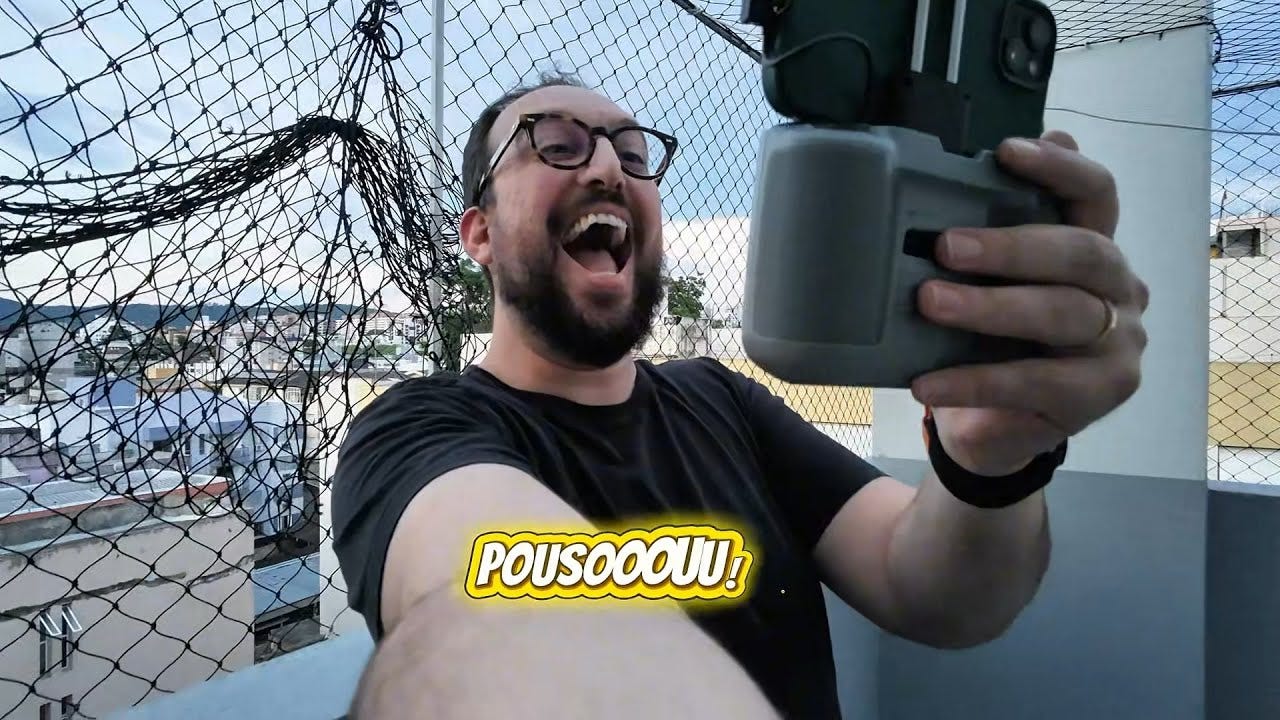
Here’s the first footage I captured with my DJI NEO 2, straight from the drone:
And here’s the same footage with the telemetry overlay added using the library:
TODO: Add new video with telemetry overlay
[VIDEO WITH TELEMETRY OVERLAY - COMING SOON]
Open Source
The library is fully open source under the MIT license:
If you have a DJI drone and want to add telemetry to your videos — or just export your flight data to GPX for mapping — give it a try. Contributions and feedback are welcome!
Follow Along
I’ll be sharing more drone footage and experiments on my YouTube channel. If you’re into aerial photography, tech, or just want to see what I’m building, consider subscribing: